
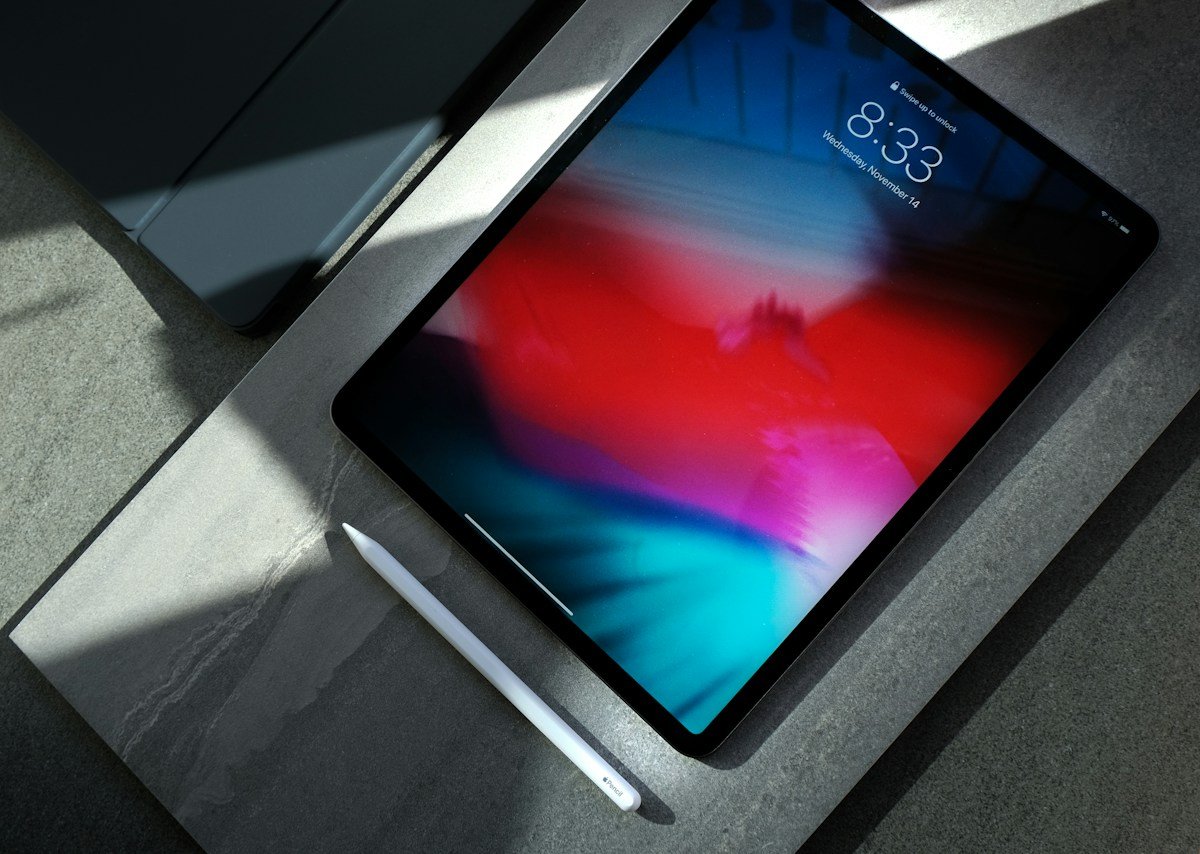
Searching for how to apply for a free tablet from government programmes can lead to outdated application pages and adverts that promise more than they deliver. In 2026, the important distinction is between a government benefit that reduces the cost of phone or broadband service and a private provider that may separately offer a discounted device. This guide explains what remains available and how to check claims safely.
Are free government tablets still available?
There is no open nationwide federal programme in the United States that guarantees every eligible household a free tablet. The Affordable Connectivity Program (ACP), which once offered participating providers a one-time discount of up to $100 toward a connected device such as a tablet, ended on June 1, 2024 because Congress did not provide additional funding. Its monthly broadband discount also ended. Websites that still advertise new ACP tablet applications in 2026 may be showing outdated information or using the programme name to attract sign-ups.
The Universal Service Administrative Company (USAC), which administered the ACP, confirms the programme’s end date on its official ACP information page. Do not assume that a search result, social-media post or old promotional flyer represents an active federal benefit. Always identify the programme, agency, provider and actual payment terms before submitting personal information.
What federal support remains through Lifeline?
Lifeline is a federal programme that helps eligible low-income consumers reduce the cost of qualifying phone or broadband service. It is still active, but it is not a guaranteed free-tablet programme. USAC describes a monthly discount of up to $9.25 for eligible consumers, with enhanced support for qualifying Tribal lands. A participating provider may separately sell, discount or promote a device, but the tablet offer is a provider’s commercial arrangement rather than an automatic federal entitlement.
For 2026, USAC says a household may qualify through income at or below 135% of the Federal Poverty Guidelines or through participation in a qualifying programme. For households in the 48 contiguous states, Washington, DC and territories, the 2026 annual income limit at 135% is $21,546 for one person, $29,214 for two people, $36,882 for three and $44,550 for four. Alaska and Hawaii have higher thresholds. The official USAC Lifeline eligibility page contains the current table and programme criteria.
Which programmes can qualify a household?
Qualifying programme participation can include SNAP, Medicaid, Supplemental Security Income (SSI), Federal Public Housing Assistance and certain other programmes listed by USAC. Eligibility is not based only on having a low income or receiving any type of assistance. The programme and household circumstances must fit the current federal rules, and the applicant may need to provide documentation if electronic checks cannot verify the information.
Only one Lifeline benefit is generally allowed per household. If someone else at your address already receives the benefit, check the household rules before applying. A household can include people who share income and expenses, so the definition may not be identical to everyone living at one street address. Read the official rules carefully and ask the National Verifier or a participating provider if the situation is unclear.
Step 1: Check eligibility through official channels
Start at USAC rather than a website that promises a tablet in exchange for a small processing fee. Review the current income or programme-based qualification rules and gather the records that may be requested. If you are using an eligible public benefit, you may need a current award letter or proof of participation. If you qualify by income, be prepared to show the documents specified by the National Verifier.
Make sure names, dates of birth and residential addresses are accurate and consistent with official records. A mismatch can delay verification. Never send a Social Security number, identity document or bank details to an unknown social-media account or a website that cannot identify the service provider. Use the secure application route linked from the official USAC website.
Step 2: Complete the National Verifier process
The National Verifier is used to check Lifeline eligibility in most states. Consumers can begin an application themselves, while service providers must follow the relevant verification process. If the system cannot confirm a detail automatically, it may ask for additional documents. Respond through the official process and retain confirmation of anything submitted.
Be cautious of third parties that claim they can guarantee approval or move an application ahead of others for a fee. Approval depends on the programme’s rules and verified evidence. A legitimate provider should be transparent about its name, the service being offered, the monthly price after the benefit and any device cost. Avoid a site that gives no clear explanation of who will provide the service.
Step 3: Find a participating provider
After eligibility is confirmed, choose a participating provider that serves your home address. Compare coverage, data allowance, voice or broadband features, monthly charges, taxes and fees. Ask whether a tablet is available in your ZIP code and whether the offer is a free device, a discounted purchase, a payment plan or a device tied to a particular contract. Get the offer in writing before agreeing.
Ask for the exact make and model, screen size, storage, operating system, cellular compatibility, warranty, shipping fee, activation fee and replacement policy. A tablet that looks inexpensive can become costly if it requires a long service plan or has a large upfront charge. Compare the total cost over 12 and 24 months with the cost of buying a refurbished or new tablet separately.
Step 4: Consider local tablet and computer programmes
If a provider does not offer a device, consider other routes. Public libraries, school districts, colleges, universities, workforce-development centres and community organisations sometimes lend devices or distribute refurbished computers. These programmes may be funded by local authorities, charities, donations or education grants rather than a federal tablet benefit. Ask about residency rules, age requirements, student status, waiting lists, deposits and return dates.
Students should contact their school’s technology or financial-aid office. Jobseekers may find equipment loans through workforce centres or employment support organisations. People with disabilities may be eligible for assistive technology support through state or local schemes. Local programmes can vary widely, so confirm current availability directly with the organisation rather than relying on a general nationwide claim.
How to recognise a tablet-benefit scam
Be suspicious of a site that says everyone qualifies, guarantees immediate delivery, uses expired ACP branding or demands payment to release a government grant. The ended ACP cannot be reopened through an unaffiliated online form. Some copycat pages collect personal information by making old programme information look current. Check the agency and website address, look for clear provider terms and compare any claim against USAC’s official notice.
Do not share banking passwords, one-time verification codes or unnecessary identity documents. A government benefit process should explain why specific information is needed and how it is used. If a website asks for an urgent fee to approve an application, pause and verify the claim independently. If you have already shared sensitive information with a suspicious page, contact your bank and follow identity-protection guidance from an official government resource.
What tablet should you choose?
Consider what you need the device for. Online classes and video calls may require a recent operating system, a good front-facing camera, enough memory and reliable Wi-Fi. Reading, email and browsing may work on a more basic model. Check whether the tablet receives security updates and can run the applications you need. A very old or unsupported device may be frustrating even if it costs very little.
Also check whether the device is Wi-Fi only or supports cellular data. A SIM slot does not automatically guarantee that the tablet is unlocked or compatible with a specific network. Confirm supported bands and carrier compatibility before ordering. Look at storage, battery condition, charging connector, repair options and warranty. Refurbished devices may be a good value when sold by a reputable organisation with a return policy and tested battery.
Frequently asked questions
Can I still apply for an ACP tablet in 2026?
No. The ACP ended on June 1, 2024. A site claiming to accept new ACP applications should be checked carefully and should not be trusted with personal information without independent verification.
Does Lifeline provide a free tablet?
No. Lifeline reduces the cost of eligible phone or broadband service. A provider may separately offer a device, but a free tablet is not guaranteed by the federal programme.
Can SNAP or Medicaid help me qualify for Lifeline?
Yes, these are among the qualifying programme routes listed by USAC. Applicants must meet the specific current requirements and complete verification.
Do I have to pay anything for the tablet?
It depends on the provider’s offer. Check the device price, shipping, activation, service plan and any minimum commitment in writing before accepting.
Final thoughts
The safest way to approach how to apply for a free tablet from government support in 2026 is to check the programme first and the device offer second. The ACP has ended, while Lifeline remains a monthly service-discount programme for eligible consumers. Use USAC to verify eligibility, compare participating providers and inspect the full cost. Libraries, schools, colleges and charities may also offer local device loans or refurbished equipment without relying on an expired national programme.
For more digital-skills reading, explore Heritage on the Hill’s Technology section and its guide to understanding AI photo enhancement tools.

Karen Altizer is a seasoned professional with a wealth of experience, skilled at crafting compelling narratives and strategic messages for diverse audiences.